Advanced USB Port Monitor. Screenshots


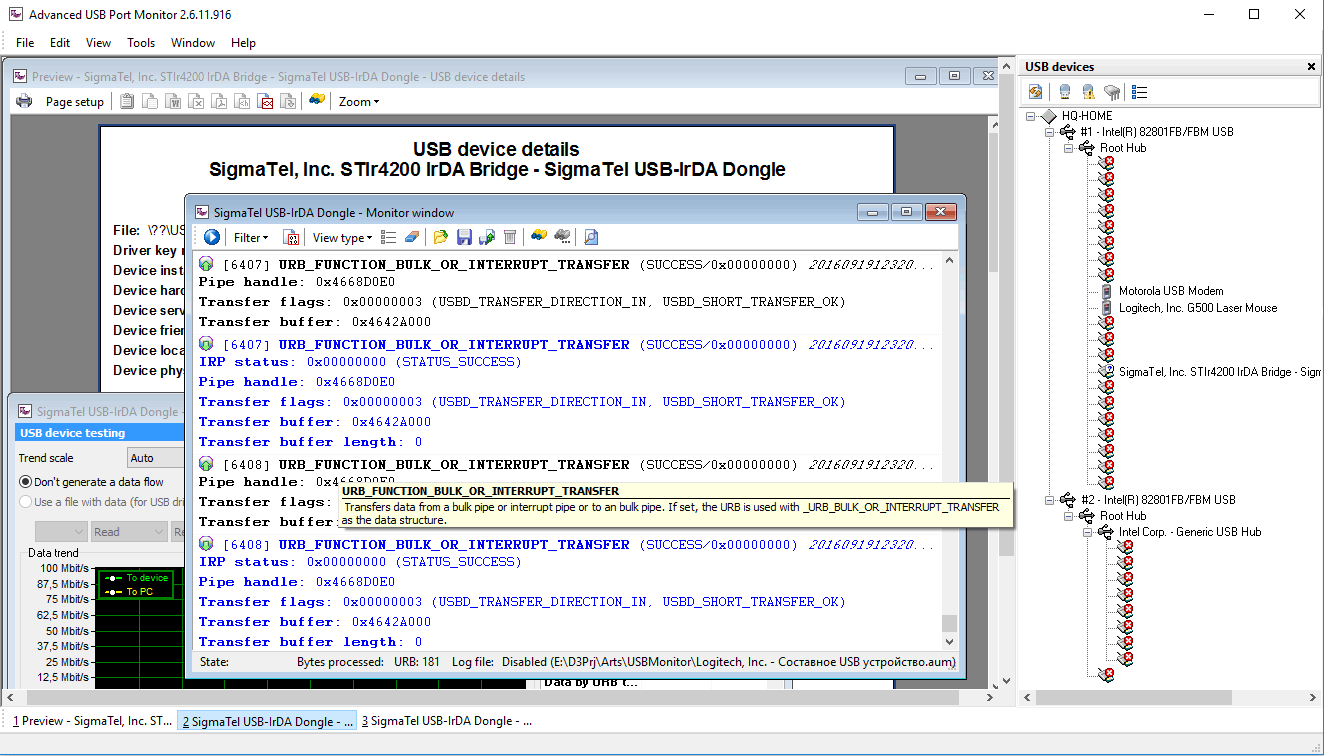
Advanced USB Port Monitor window. Features.
  1. Main menu - contains items for quick access to all main functions of the program;

  2. Monitor window - allows you to monitor the traffic transferred between the host and the device;

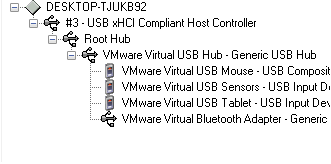
  3. USB devices window - shows all connected devices;

  4. Performance monitor window - allows you to evaluate the performance of your device during a data transfer;

  5. A tooltip in the monitor window;

  6. Taskbar - shows the titles of all windows open in your workspace;

  7. Status bar - shows a hint for each interface element when the mouse pointer is over it or in some cases shows the progress of some operation.

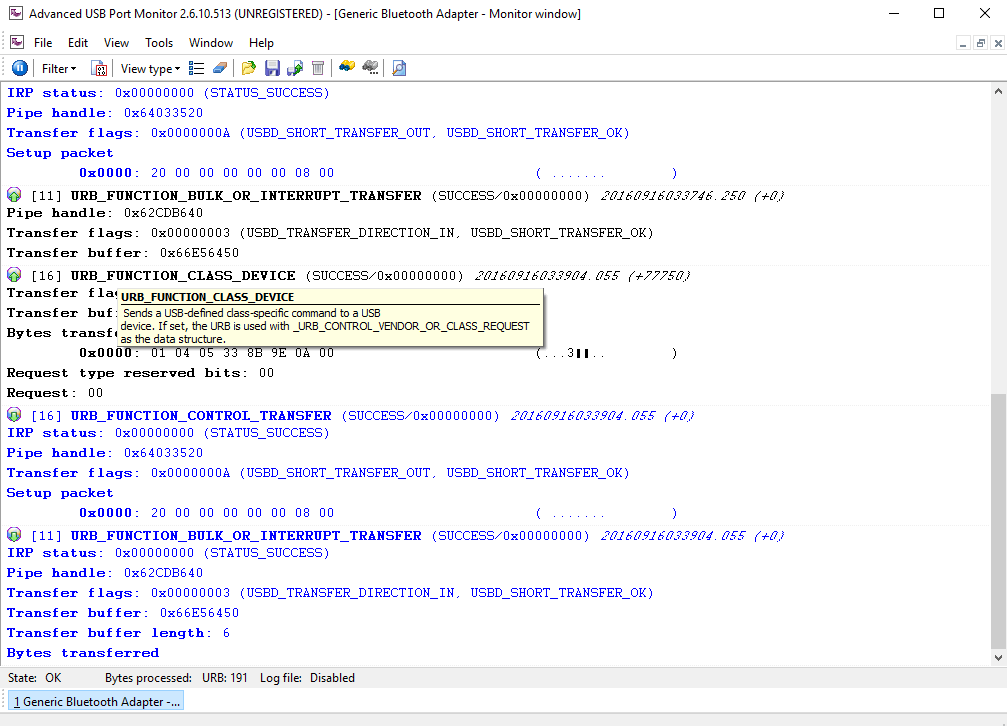
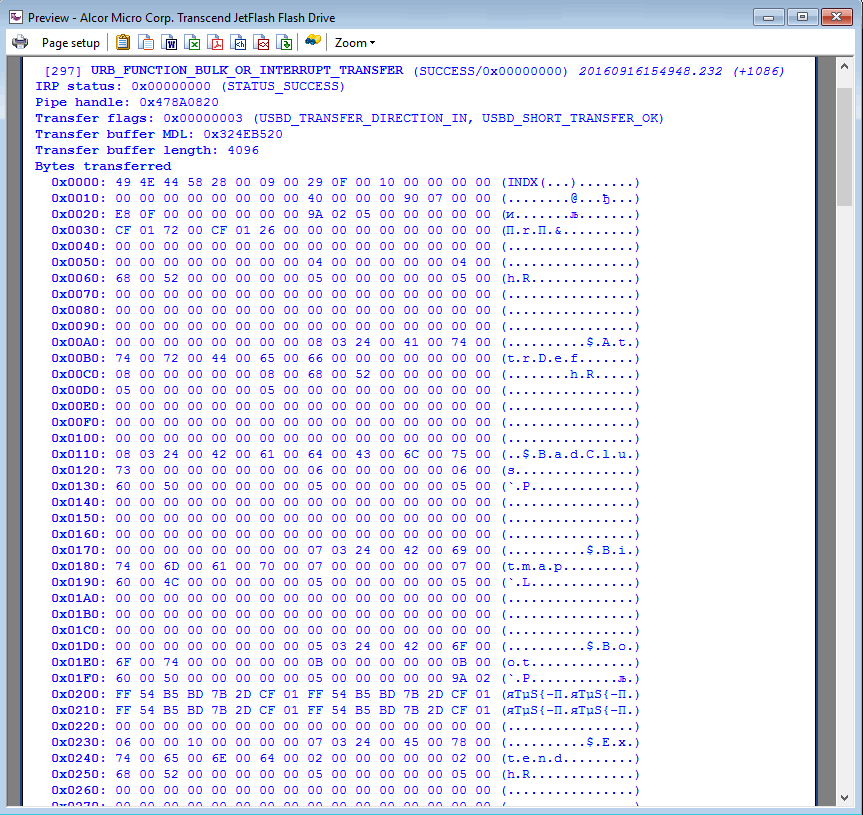
Technical information about the URB data packet

large view
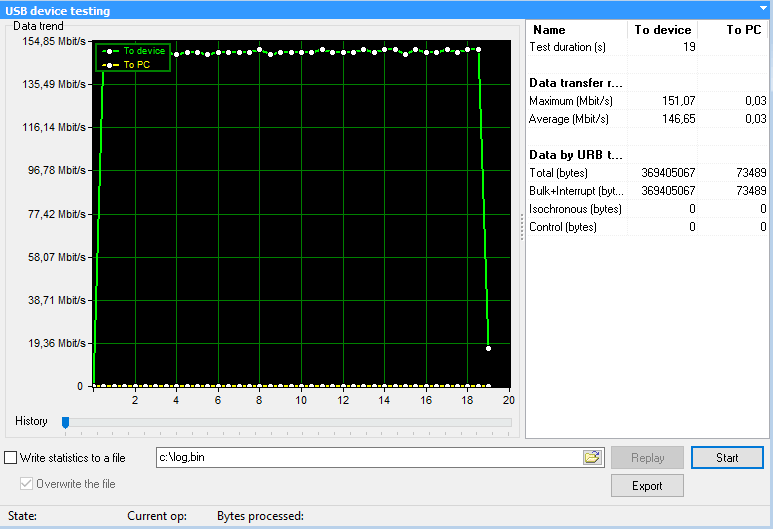
Performance test window for the USB disk 

large view


Copyright © 1999-2010, AGG Software.
All rights reserved. Terms of use | Privacy policy
Made in Devoler - Design Company